Why there’s no record button
- WhatsApp doesn’t offer recording for voice or video calls.
- iPhone’s call recording only covers one-to-one Phone and FaceTime audio calls. See how to record a phone call on iPhone.
- Screen recording doesn’t help: Apple notes some apps don’t allow their content to be recorded, and people widely report the sound cuts out once a call starts.
So the call has to be recorded from outside the phone: put it on speaker and record with a device next to it.
Record it with Apple Watch and Saybird
Get Saybird on your iPhone and sign in
The watch app signs in by itself.
Start or answer the WhatsApp call, then tap Speaker
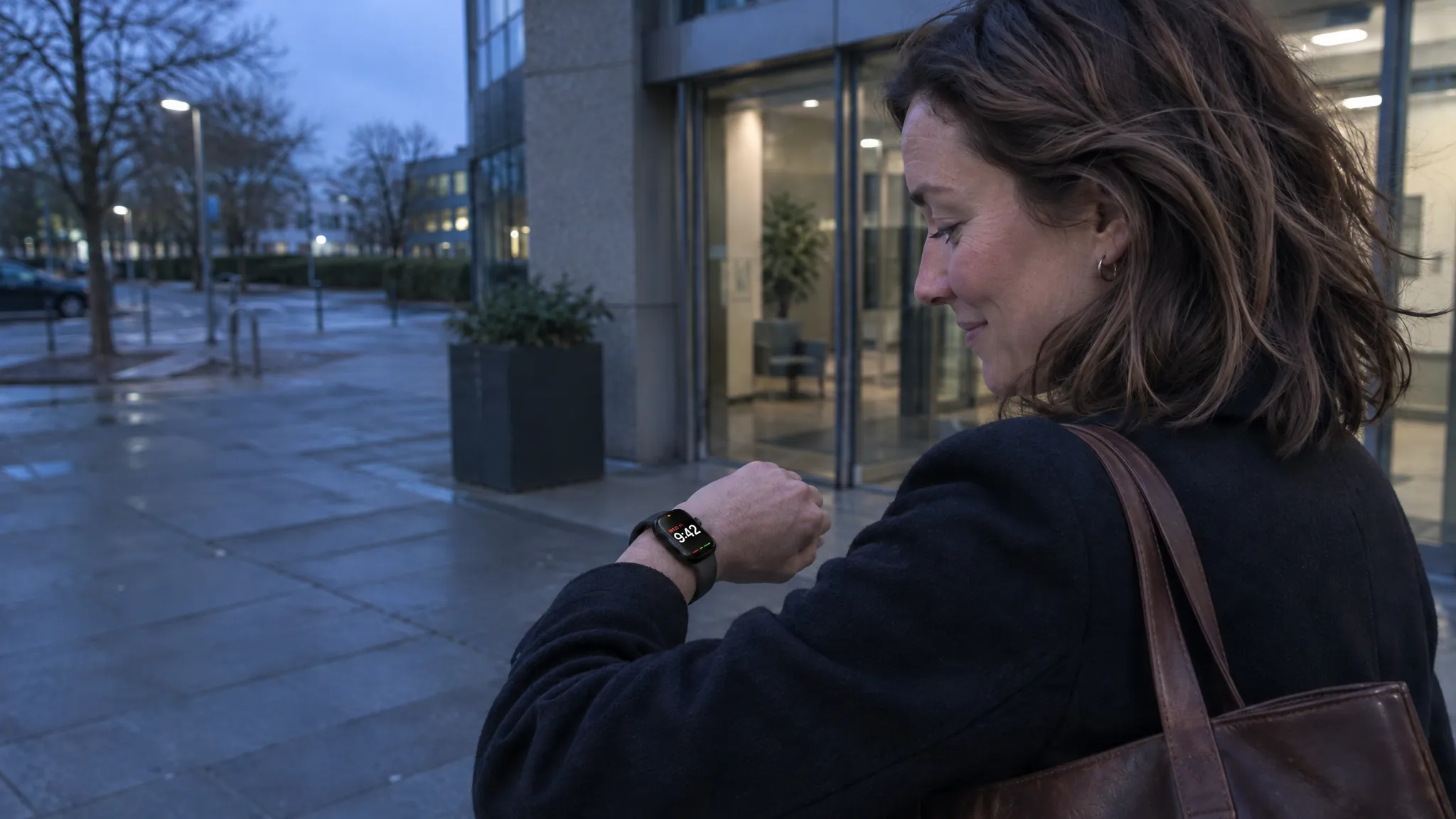
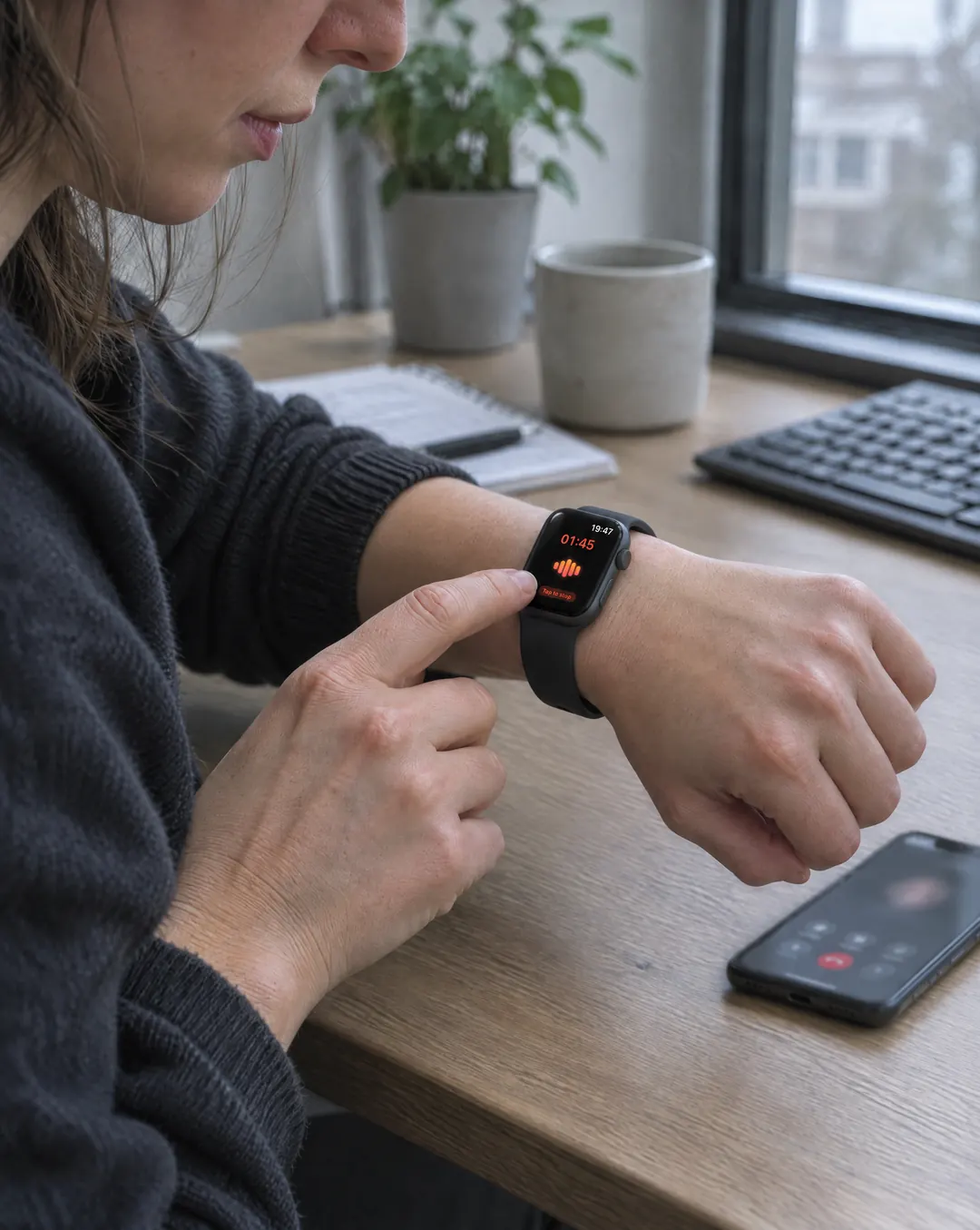
Raise your wrist and tap Saybird
Recording starts right away. Go back to the watch face if you like; an orange microphone shows it’s still recording.
Keep the iPhone on the table and talk as usual
Hang up and stop the recording on your watch
The transcript, key points and to-dos arrive on your iPhone, with who said what. Every to-do links back to the moment it was said.
Tip
For clear audio, turn the call volume up and keep the phone within arm’s reach of your watch. Name the other person once in Saybird, and it recognizes their voice in later calls.
Every way to record it, compared
| Method | Both sides | Transcript and summary | Good to know |
|---|---|---|---|
| Apple Watch + Saybird | Yes:Call on speaker | Yes:Written for you, with who said what | Free. Works for WhatsApp, phone and other app calls |
| Apple Watch Voice Memos | Yes:Call on speaker | Partly:Transcript on iPhone, no summary | Built in. Syncs to iPhone via iCloud |
| Second phone or recorder | Yes:Call on speaker | Partly:Depends on the app | Another device to carry and set up |
| iPhone call recording | No:Not for WhatsApp | No:— | Phone and FaceTime audio calls only |
| iPhone screen recording | No:Call sound usually cuts out | No:— | Picture only |
Ask before you record
Before you record
Recording laws differ by country and, in the US, by state. Federal law needs one person’s consent, but about 11 states, including California, Florida, Illinois, Maryland, Massachusetts, Pennsylvania and Washington, mainly require everyone to agree; across states, assume the stricter law applies. Say you’re recording at the start of the call. This isn’t legal advice.