Option 1: Voice Memos, built in
Open Voice Memos on your Apple Watch
Tap Record, then tap Stop when you’re done
Find it on your iPhone
In Voice Memos, tap Watch Recordings. Recordings sync through iCloud to your iPhone, iPad and Mac.
Good for a quick note to yourself. On iPhone 12 or later, Voice Memos can show a transcript in supported languages. There’s no summary or to-do list, and it doesn’t tell speakers apart.
Option 2: Saybird, when you need what was said
Get Saybird on your iPhone and sign in
The watch app signs in by itself.
Tap Saybird on your watch
On Apple Watch Ultra with watchOS 26 or later, set the Action button to “Saybird Record” and press it instead.
Go back to the watch face if you like
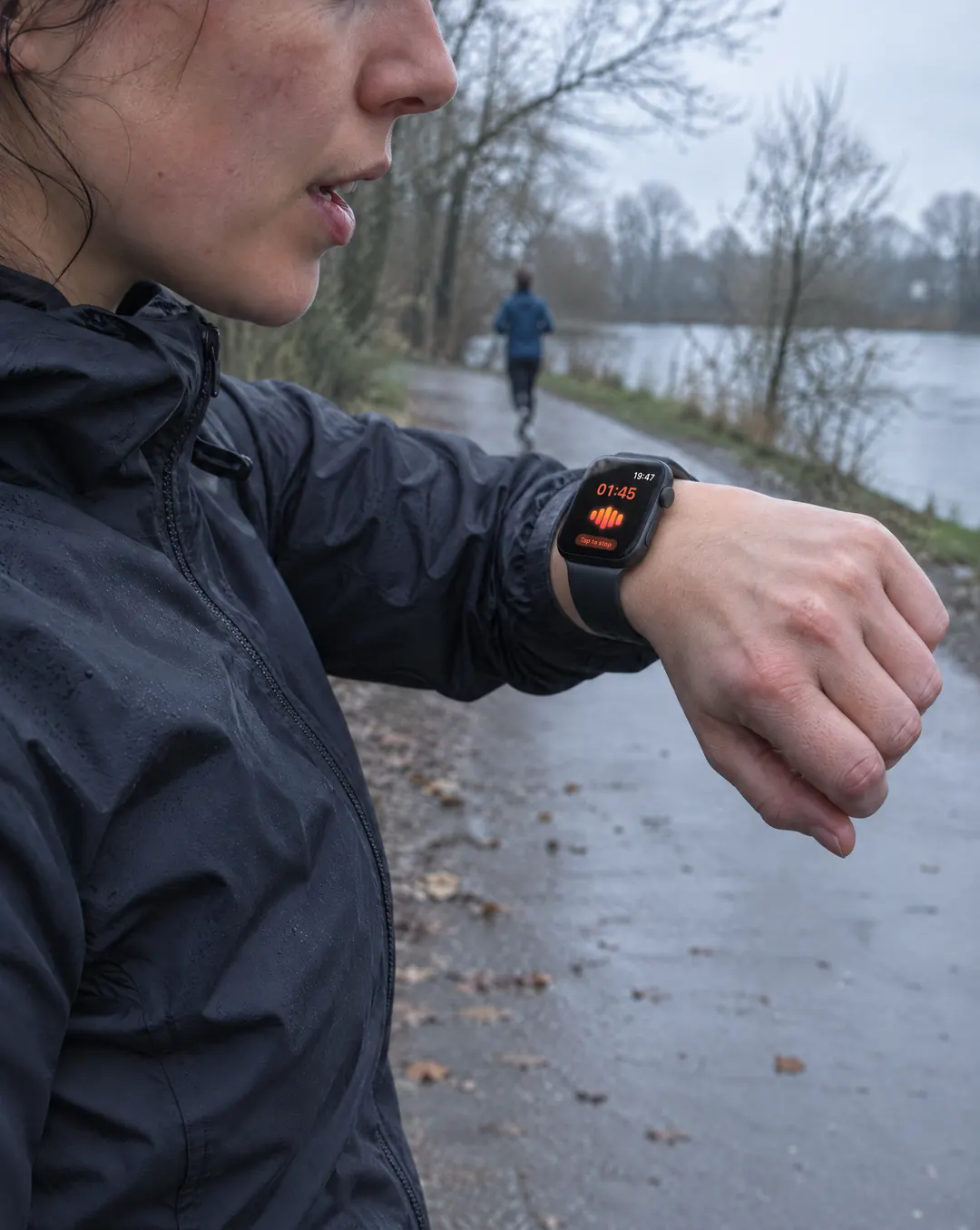
An orange microphone at the top shows it’s still recording.
Tap to stop
The recording is sent to your iPhone once the watch is online, and the transcript, key points and to-dos are written for you.
Meetings, a quick word from your boss, a client visit, a call on speaker: it works the same way. You can leave your iPhone behind; recordings wait on the watch until it’s online.
Voice Memos vs Saybird
| Voice Memos | Saybird | |
|---|---|---|
| Start | Open the app, tap Record | Yes:One tap; Action button on Apple Watch Ultra |
| After recording | Partly:Audio, with a transcript on iPhone 12 or later | Yes:Transcript, key points and to-dos |
| Who said what | No:— | Yes:Name a voice once, recognized next time |
| Find it later | Partly:Search titles and transcripts | Yes:Search by meaning, not just exact words |
| Misheard names | No:— | Yes:Fix once; past and future recordings follow |
| Price | Built in | Free on the App Store |
Recording calls on Apple Watch
The watch can’t tap into a call, but it can hear one on speaker. Put the call on speaker on your iPhone and record on your watch; this works for phone calls and for WhatsApp calls, which iPhone can’t record itself.
Before you record
Recording laws differ by country and, in the US, by state. Federal law needs one person’s consent, but about 11 states, including California, Florida, Illinois, Maryland, Massachusetts, Pennsylvania and Washington, mainly require everyone to agree; across states, assume the stricter law applies. Say you’re recording at the start of the call. This isn’t legal advice.